Trending

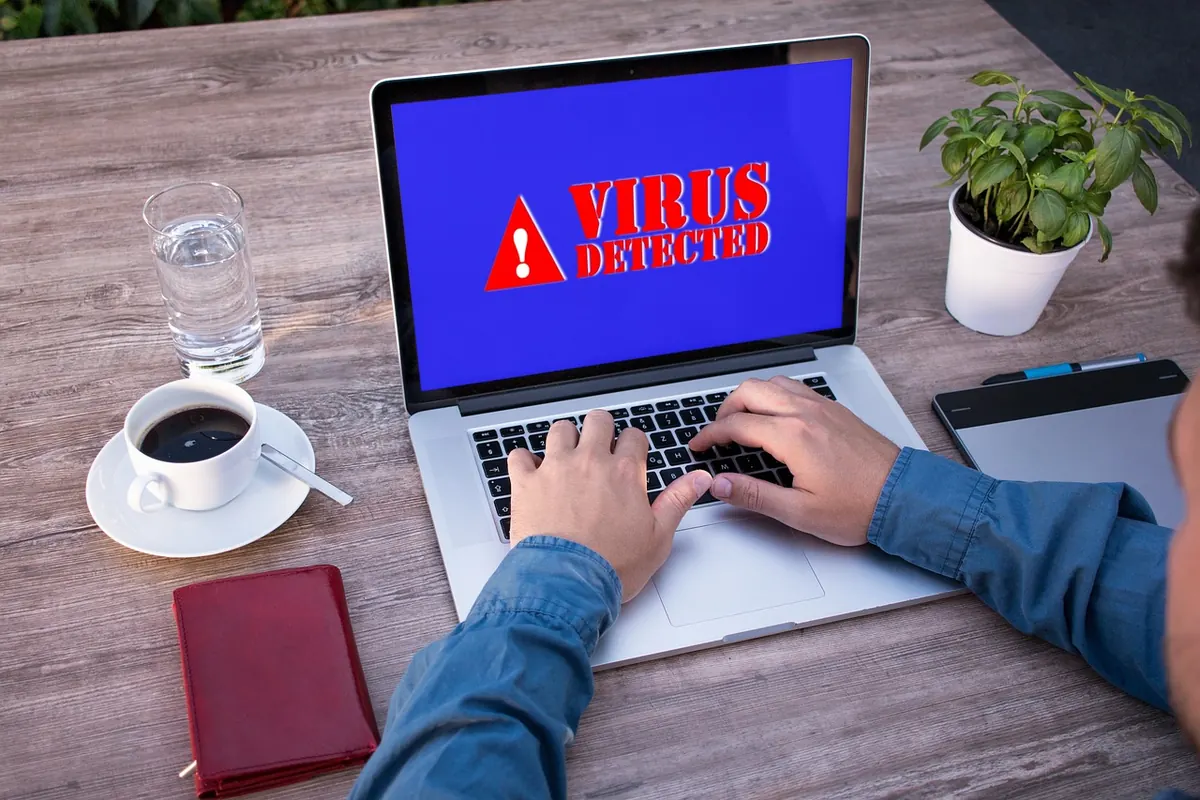
A laptop runs hot inside a bag. A shared drive full of invoices suddenly refuses to open. A phone's battery dies by noon, and someone seems to know details you never told them. Three machines, three problems, and three labels people use as if they were interchangeable. They aren't — and the first hour of your response shouldn't look the same for any of them.
Malware covers anything written to damage, disrupt, or take something from a system. Viruses, worms, trojans, adware, keyloggers, rootkits, ransomware, spyware — all malware, all behaving differently. Some announce themselves in seconds with a flashing pop-up. Others sit on a machine for months doing nothing except watching.
That's why "I think I have malware" is a starting point, not a plan. The word describes intent, not urgency. Adware redirecting your search results is annoying. Spyware capturing your banking password is not. Same category, completely different clock.
Ransomware's job is to make your data unusable until you pay. Many strains also copy files out first, then threaten to publish what they took. Locking is the visible part; the theft is the leverage.
It is rarely subtle. Files get renamed with strange extensions, folders fill with a text file or image containing payment instructions, and your desktop wallpaper may change. Backups are often the first target — shadow copies deleted, connected drives encrypted along with everything else. If a machine on your network is encrypting shared folders, every minute it stays connected matters.
Spyware collects. Keystrokes, screenshots, browsing history, messages, passwords, sometimes location and microphone. It arrives through a fake update prompt, a bundled "free" download, a malicious browser extension, or an app someone installed on your phone on purpose. It almost never announces itself, because being noticed defeats the point.
The signs are indirect. A device that used to last all day now needs a charger by lunchtime. Data usage climbs. Apps you don't recognise appear, the browser keeps landing on a search page you didn't choose, and someone knows things they shouldn't. Passwords start failing, or accounts log in from places you've never been.
On a personal phone, unwanted monitoring often comes from someone with physical access, so the problem isn't purely technical. If you suspect a partner, family member, or someone else close to you is monitoring your device, don't tip them off by deleting the app or confronting them. Contact a local support organisation or law enforcement and get advice about your safety first. The technical cleanup can wait until you're safe.
Speed means different things here. Ransomware rewards seconds. Spyware rewards patience — yours and theirs.
Keep a backup that isn't permanently connected to your machines, and test that you can actually restore from it. Update operating systems, browsers, and phone apps; most infections walk through known holes rather than clever new ones. Install software only from official sources, and treat urgent update prompts and unexpected invoices as suspicious until proven otherwise. Use a password manager so one stolen password doesn't open everything. On shared machines, don't browse with an administrator account.
You don't need to memorise file extensions or detection names. You need two or three moves you'll remember under stress: disconnect, change passwords from a clean device, and restore from a backup you trust. Everything else can be sorted out afterwards, ideally with help. If the device belongs to an employer, or the data belongs to clients, call whoever is responsible for it before you start experimenting. An early phone call is always cheaper than a late one.
Photo: Tumisu / Pixabay